


Simulcast 2 FAQ's
General Questions
Simulcast is an online sales platform that lets Manheim extend the physical auction experience to you via the internet. The Simulcast video and audio streaming technology means you can see and hear all of the action live from the auction. Simulcast means that you can participate in Manheim auctions from just about anywhere!
| OS | Versions |
|---|---|
| Windows |
Windows 7 Windows 8 Windows 10 |
| Mac | OS X |
| iPhone & iPad | iOS 5 and above |
| Android | OS 2.3 (Gingerbread) and above |
| Browser | Versions |
|---|---|
| Internet Explorer | 8, 9, 10 and Edge |
| Google Chrome | 17 and above |
| Firefox | 13 and above |
| Safari |
OS 10.5 - version 5.0.6 OS 10.6 - version 5.1 and above OS 10.7 - version 5.1 or 6 and above |
| Flash | 10.3 and above, preferably 11.3 and above Adobe Air for Android |
During our rollout, both versions of Simulcast will be in use. Check the auction list on the website – if the auction has this icon  next to it, you will need to use the new version of Simulcast. Otherwise, you’ll need to use the old version.
Once you have logged into Simulcast the first time, you can bookmark or favourite the address to your browser and go directly to the auctions from then on.
Sign in Questions
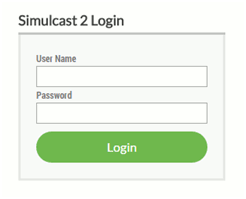
If you cannot see the buyer or seller portal buttons and you believe you should be authorised for this access, please contact the online support centre on 1800 001 278.
Once you’re signed into Simulcast there should be no need for you to refresh the screen. If you do hit refresh, Simulcast will sign you out of your current session and you will need to sign back in again.
For security and auditing purposes, each sign in is assigned to an individual and can only be used with one device or browser at a time.
If you cannot use the ‘Enter Sale’ buttons after you have logged in, try hitting Ctrl + F5 to refresh your session. However, if you are using Internet Explorer 9, this will not work – you should use Chrome or a later version of Internet Explorer.
If you found the vehicle on our website take note of the sale description in either:
The auction catalogue view:

Or the vehicle details view:
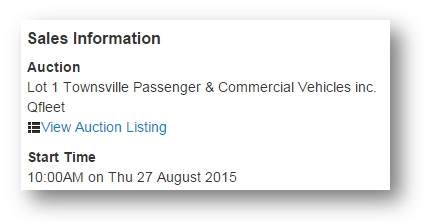
You will see the same auction description when viewing the list of sales in Simulcast.
You can get this information from your account executive or if you have access to our ‘Vehicle Information Management’ portal (VIMS) it’s also available there. You can also use our manheim.com.au/manheim.co.nz and search for your vehicles.
If you are banned, this will take effect immediately. If your rights have changed (e.g. removal of or addition to your representation), you will need to sign out and back in again for the change to take effect.
Using the Buyer & Seller Portals
The auction title should describe this for you, and the ‘Enter Sale’ buttons are colour-coded.
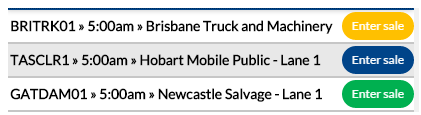
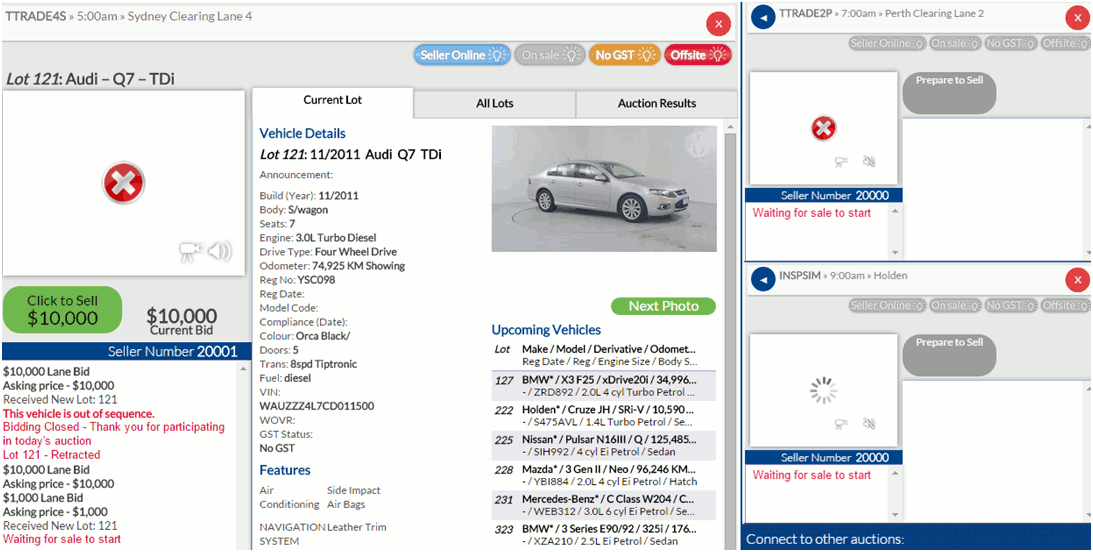
You can participate in multiple auctions using the desktop and tablet versions of Simulcast 2. From a Smartphone, you can only view one auction at a time.
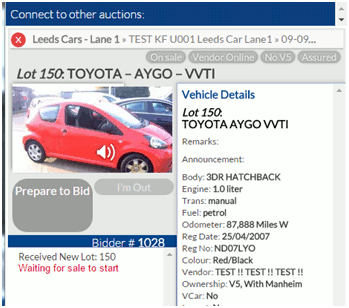
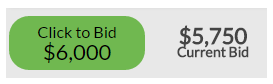
Click on the ‘Click to Bid’
Click on the ‘Click to Sell’

As many as there are active, you can use the blue arrow to promote an auction into the primary window, and you can bid in any of the secondary auctions.
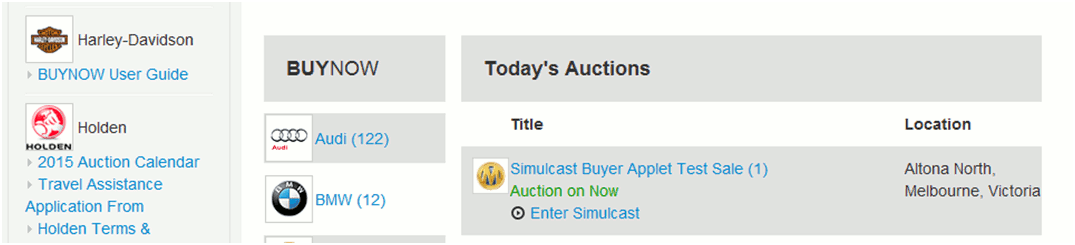
The auction will display an ’Auction on Now’ label on the website:
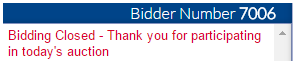
The following message will be displayed in the Bidding History panel:
No, you need to open the auction from the auction list on the website.
Yes, under the “Proxy Bids” tab. Lots you have a ‘Proxy Bid’ for will also be watch listed, so you will see the ‘Watchlist’ “eye” icon in the upcoming lots list.
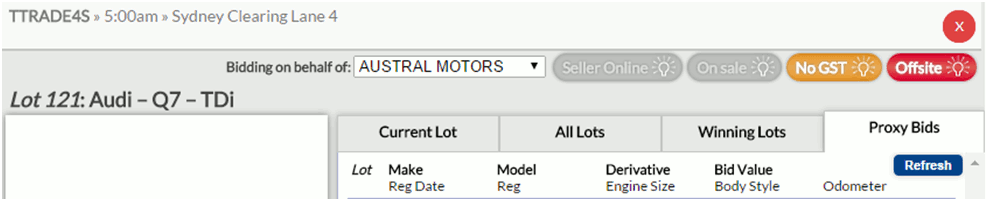
PC - Just click on the arrow next to each secondary auction sale header to move that to the primary auction window.
Tablet - Just click on the arrow next to each secondary auction sale header to move that to the primary auction window.
Mobile - Unfortunately you cannot switch between auctions on a mobile. You will need to close the current one and open the alternate one.
No, this is purely a summary page of all vehicles available in the current sale.
Yes. If a vehicle is ‘Passed In’, it will still display in the ‘All Lots’ list.
No, your ‘Bidder Number’ will be the same for all auctions during your current session. If you sign out and sign back in, you will be assigned a different ‘Bidder Number’.
You can see the lots you bought in the current auction under ‘Winning Lots’, and all of the lots you have bought on the day in the top right corner ‘Show Purchases Today’.

You can see the lots you sold in the current auction under ‘Auction Results’, and all of the lots you have sold on the day in the top right corner ‘Show Today’s Auction Results’.

Using Audio and Video
Some larger networks may require certain ports to be opened in order to run Simulcast. The details for this are listed below.
| IP Address | Port | Server type |
|---|---|---|
| 125.255.134.111 | 80/443 | Web/comms server |
| 125.255.134.112 | 80/443/5119 | Streaming server |
The audio will always come from the primary auction.
This may be because you don’t have administrative rights on your system. It may also be because you have an Anti Virus application or a firewall which is blocking installation.
Please request help with this from your IT department.
Desktop/laptop
It may be a photo only auction if it is taking place in a low-bandwidth setting.
Tablet – There is no video on a mobile device, just photos.
Mobile - There is no video on a mobile device, just photos.
Desktop/laptop
You need to load Flash Player to get sound.
Tablet – You need to download the app from the Apple or Google Play Stores to get sound.
Mobile - You cannot access audio via a Smartphone.
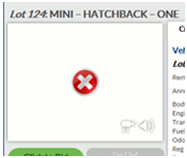
You may need to enable your ports (see what ports do I need opened on my router/firewall?) or you may need to load Flash Player.
If you already have ports enabled and Flash Player installed, the problem may be with our camera. Please contact our online support centre on 1800 001 278 for more information.
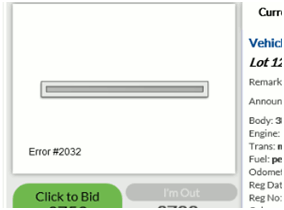
You may need to enable your ports (see what ports do I need opened on my router/firewall?) or you may need to load Flash Player.
If you already have ports enabled and Flash Player installed, the problem may be with our camera. Please contact our online support centre on 1800 001 278 for more information.
Buyer and Seller Apps
If you are using a tablet, you will not be able to use audio or video in Simulcast 2 without the app.
The app will be on both Google Play and Apple stores. Search for Manheim Australia Simulcast (or Manheim NZ Simulcast).
Important Links
Click here to go to SIMULCAST 2 Test page